Taskbar Hero offline rewards: what continues after you close the game?
This guide separates rewards reported after closing the game from an AFK session with the process still running. Check the rune condition, chest expectations, and unverified claims about caps or rates.
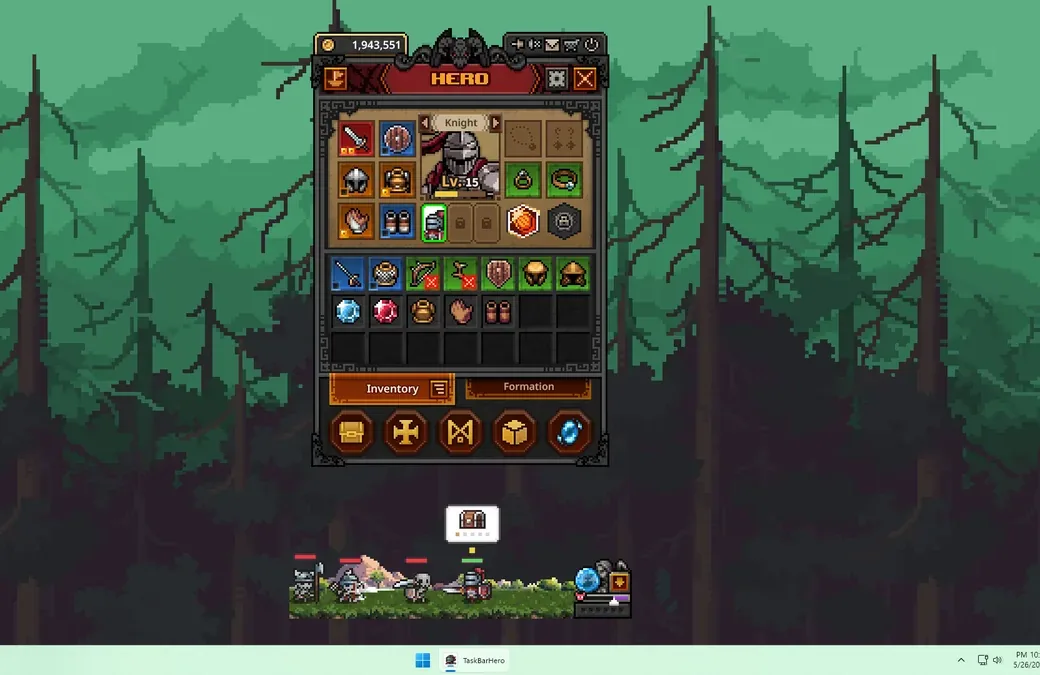
Short answer: closing the game is different from leaving it minimized
Player guides describe Taskbar Hero offline rewards as limited gains collected after reopening. They commonly mention XP and gold, not normal or boss chests. Check the current rune text and reward screen; exact rates and caps remain unverified.
- A minimized window is still an AFK session if the game process keeps running.
- Closed-game rewards are not the same as live combat, kills, or normal chest drops.
- Several guides say chests do not accrue while the game is closed.
- An eight-hour cap appears in some guides, but it is not confirmed here as a current official rule.
What are Taskbar Hero offline rewards?
Taskbar Hero offline rewards describe a calculation for time after you exit, collected when you return. Battles do not continue in real time while the game is closed. Distinguish closed time from an idle session with the process still running, especially when you need chests, gear, or monster kills.
Player guides commonly list XP and gold, but exclude normal and boss chests. These are community explanations, not an official formula. If an older guide differs, trust the current rune text and reward screen.
This guide does not estimate an hourly rate or claim a fixed reward formula.
Closed game versus AFK: what changes?
AFK means the process stays open while you are not clicking. A small or minimized window can remain active, so battles may continue. After you exit, live combat stops; reported offline rewards are a limited return gain.
Steam describes Task Bar Hero as a game that can run in the background. Community guides report ongoing combat and chest drops while open, but less during closed time. Sleep or an unexpected exit may stop the session.
| State | Game status | What to expect | Quick check |
|---|---|---|---|
| Playing | Open | Live battles and normal drops | Watch the battle or log |
| AFK / minimized | Open | Combat may continue | Confirm the game process remains active |
| Offline | Closed | Limited return rewards are reported; chests excluded | Review the reward screen after reopening |
| PC asleep | Not guaranteed active | Do not count as an AFK session | Check the game state after waking |
Sleep behavior depends on the PC and game process; do not assume battles continue while the computer sleeps.
Check the reward condition before you rely on it
Japanese guides name the Rest Rune as an offline-reward condition. Names and translations can change, so confirm in the current description that it applies to closed-game rewards before a long test.
Before exiting, note character, stage, XP, gold, and runes. Close normally, record the time, then reopen the same account. Read the reward notice and compare values. If none appears, check the account and unlock before touching a save or Steam Cloud file.
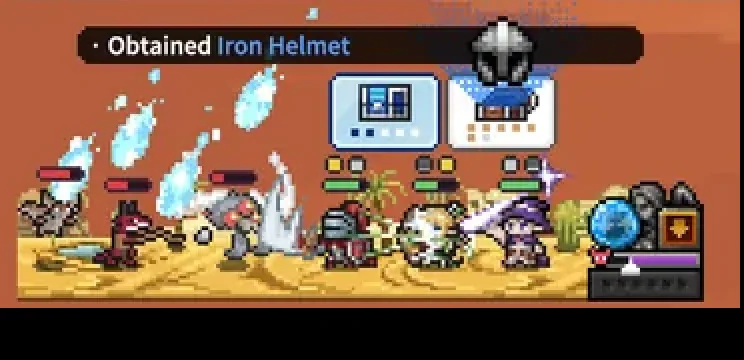
- Read the rune description and confirm that it applies to offline rewards.
- Record the character, stage, XP, and gold before closing the game.
- Write down the exit and return times.
- Read the reward message and compare values before and after collection.
- If the result differs, note the client version and exact screen wording.
This is an observation routine, not a promise about a specific menu path or popup label.
Chests, time caps, and reward rates
Several guides say normal and boss chests do not drop while the game is closed. For gear or crafting materials, farm with the game open and confirm that combat is running.
Some Japanese guides report an eight-hour storage cap, but the official Steam material reviewed here does not confirm it. Treat it as unverified and check current in-game text before planning around it.
XP and gold can depend on progression, unlocks, or updates. Another player's amount is not your guaranteed rate; use the values shown in your client.
- Keep the game open when chest drops are the goal.
- Treat the eight-hour claim as a guide note until confirmed in your current client.
- Do not reuse an old screenshot as a current reward rate.
- Record reward types and amounts if you want to compare runs.
Exact rates and current caps have not been confirmed from an official source.
Run a short comparison before a long idle period
A short, controlled comparison is easier to read than a long test with changing gear. Use the same account, character, and stage. It will not reveal an official formula, but it can show what your client displays and whether chest results differ while open or closed.
If unclear, repeat under the same conditions. Change one factor at a time, and do not install tools or replace saves because a brief test differs from a community post.
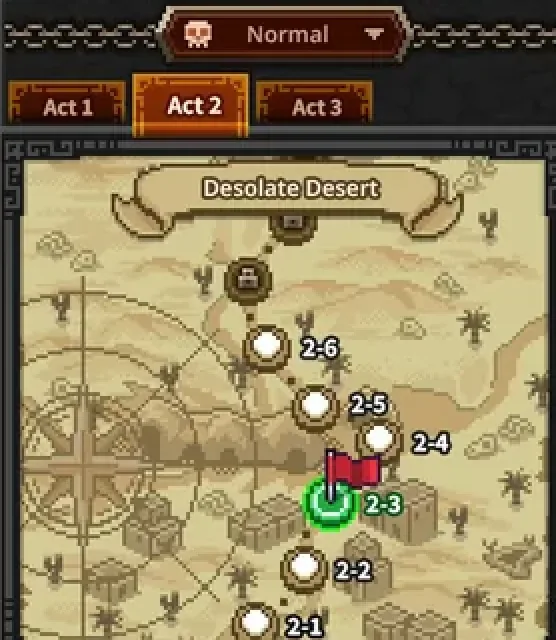
- Record the starting point. Note the character, stage, XP, gold, and relevant unlocked runes.
- Choose a stable stage. Avoid a stage where wins and losses vary from run to run.
- Take an open-session baseline. Leave the game running briefly and record XP, gold, and chest changes.
- Record the closed interval. Exit normally and write down the time before and after the break.
- Compare after reopening. Read the notice, compare values, and keep chest or kill counts as separate fields.
One test only describes the conditions you observed; it does not establish a permanent game rule.
When a reward is missing or smaller than expected
Check the unlock, account, elapsed time, and reward screen first. A guide may reflect different progression; another player's XP amount does not prove a bug.
For a report, record exit and return times, client version, and exact message. Hide account details in screenshots. For a Steam Cloud conflict, check sync dates and backups before overwriting a save.
| Symptom | First check | Avoid |
|---|---|---|
| No reward notice | Rune condition, account, and return screen | Restoring or replacing a save immediately |
| Small XP or gold amount | Elapsed time and current in-game text | Treating another player's amount as a guarantee |
| No new chest | Whether the game was closed | Expecting offline chest drops |
| Pet kills unchanged | The pet counter during an open session | Counting closed time as confirmed kills |
| Cloud conflict | Sync dates and backup state | Choosing a save before reading the prompt |
Save recovery is outside this article. Use the Steam guide for account and Cloud checks.
Keep pet kill counts and Steam Cloud separate
Pet unlock kills are separate from offline XP or gold. The pet guide recommends checking the counter while the game runs. Keep it open, target the right monster, and confirm progress in the client.
Steam Cloud syncs saves; it does not set offline rewards. Handle reward questions and save conflicts separately, and check the sync time and backup before choosing a copy.
Do not use the offline reward explanation as a save-recovery procedure.
Check the guide date against the current game text
Updates and translations can change reward details. Japanese guides from June 2026 mention the Rest Rune, XP and gold, no offline chests, and an eight-hour cap. The official Steam source reviewed here gives no exact formula.
Check rates and caps in the current client. If wording differs from an old guide, record it and prefer newer developer information over player estimates.
- Use Steam for official product and release context.
- Read guide sites as player-facing observations, not official formulas.
- Recheck old rate and cap claims in the current client.
- Record the date and wording when a source disagrees with the game.
Reviewed November 5, 2026. Exact reward rates and the current cap remain unverified.
Taskbar Hero offline rewards FAQ
Does Taskbar Hero progress when closed?
For Taskbar Hero offline rewards, player guides say limited XP or gold may be collected after reopening when the condition is unlocked. This is not live combat. Check the current rune text and reward notice.
Do chests drop while the game is offline?
Several guides say normal and boss chests are not included in closed-game rewards. Keep the game running for live chest farming.
Do I need the Rest Rune?
Japanese guides name the Rest Rune as a condition. Confirm the current in-game wording because translations and unlocks can change.
Is the offline cap eight hours?
Some Japanese guides report eight hours, but this has not been confirmed here as a current official cap. Check the client before relying on it.
Is a minimized game offline?
No, if the process is still running it is an open AFK session. Sleep or an unexpected exit may stop it.
Do pet kills count offline?
The pet guide says not to assume closed time advances kills. Keep the game open and verify the in-game counter.
Sources and how to read them
The official page provides product context. Reward details below are attributed to player guides and should be checked against the current client.
- Official Task Bar Hero Steam page Product and release context; no detailed reward formula.
- Altema: Offline reward collection Japanese player guide; recheck conditions in game.
- Kamigame: Offline benefits and limits Japanese player guide with reward notes.
- Task Bar Hero Mechanics community guide Community explanation of AFK and closed-game rewards.