Taskbar Hero Update: Current Version, Patch Notes and Player Checklist
Use this Taskbar Hero update page as a dated checkpoint, not a frozen database. It records public version 1.01.05 checked on August 16, 2026, explains how to read the official note without inventing unverified changes, and gives you a short routine for retesting builds, drops, and market decisions after a patch.
The current Taskbar Hero update checkpoint is version 1.01.05
As of August 16, 2026, the newest public version I could verify for TBH: Task Bar Hero is 1.01.05, dated August 11, 2026 in the public Steam update record. Treat this as a dated checkpoint, not a permanent latest claim. The official announcement is the authority for line-by-line changes; this page explains how to verify the installed build and retest a gameplay result before changing a build, farming route, or market decision.
- Use 1.01.05 as the dated checkpoint for this page, not as a promise that no newer build exists after August 16, 2026.
- Restart Steam and confirm the installed build before comparing results with an older video, community post, or screenshot.
- Retest one change at a time: gear, skill behavior, chest results, pet progress, and market decisions should not be mixed into one conclusion.
- The update page is a patch-note guide. It does not replace the live Steam page, in-game values, or a current market listing.
Current public version and source check
Version information is time-sensitive. The table records what was checked, where it came from, and how to use it without turning a dated result into an unsupported latest claim.
| Check | Current note | Why it matters |
|---|---|---|
| Public update | 1.01.05 | Public Steam update record checked August 16, 2026; dated August 11, 2026. |
| Update type | Version checkpoint | Use the official announcement for the exact change list; do not infer balance or tier-list changes from the version number alone. |
| Official publisher | Nugem Studio | Use the official Steam announcement for a newer note or a changed version. |
| Site wording | Dated checkpoint | This page should be refreshed when a later official announcement changes the public version. |
The page was refreshed after checking the official Steam update record and public Steam app page on August 16, 2026. SteamDB is included only as a secondary timeline reference; the developer announcement remains the source for exact changes.
How to read the current Taskbar Hero update
A version number is not a complete patch note. Start from the official 1.01.05 record, then use the checks below to separate a real change from an old bug, a display state, or a different test condition.
Read the official record
Open the developer's Steam announcement and record its date before copying a change into a build or farming note. A search result, old screenshot, or third-party timeline is a lead, not proof of the exact current behavior.
Repeat one old test
Choose one small route, boss, item interaction, or skill behavior that matters to you. Restart Steam and the game, then repeat the same action with the same class, gear, runes, cubes, and idle time.
Separate patch from build
If the result changes, do not immediately call it a buff, nerf, or new farming method. First rule out a different route, new item, display issue, missing save, or a test that was not actually comparable.
Check drops and inventory
Review the actual inventory result after the run instead of relying on one screen state. Keep item usefulness, chest rewards, pet progress, and market value as separate observations.
Write a dated conclusion
Record version, date, route, class, major gear changes, and result. If you have only one test, label it as an observation and wait for a later official note or repeated run before treating it as a rule.
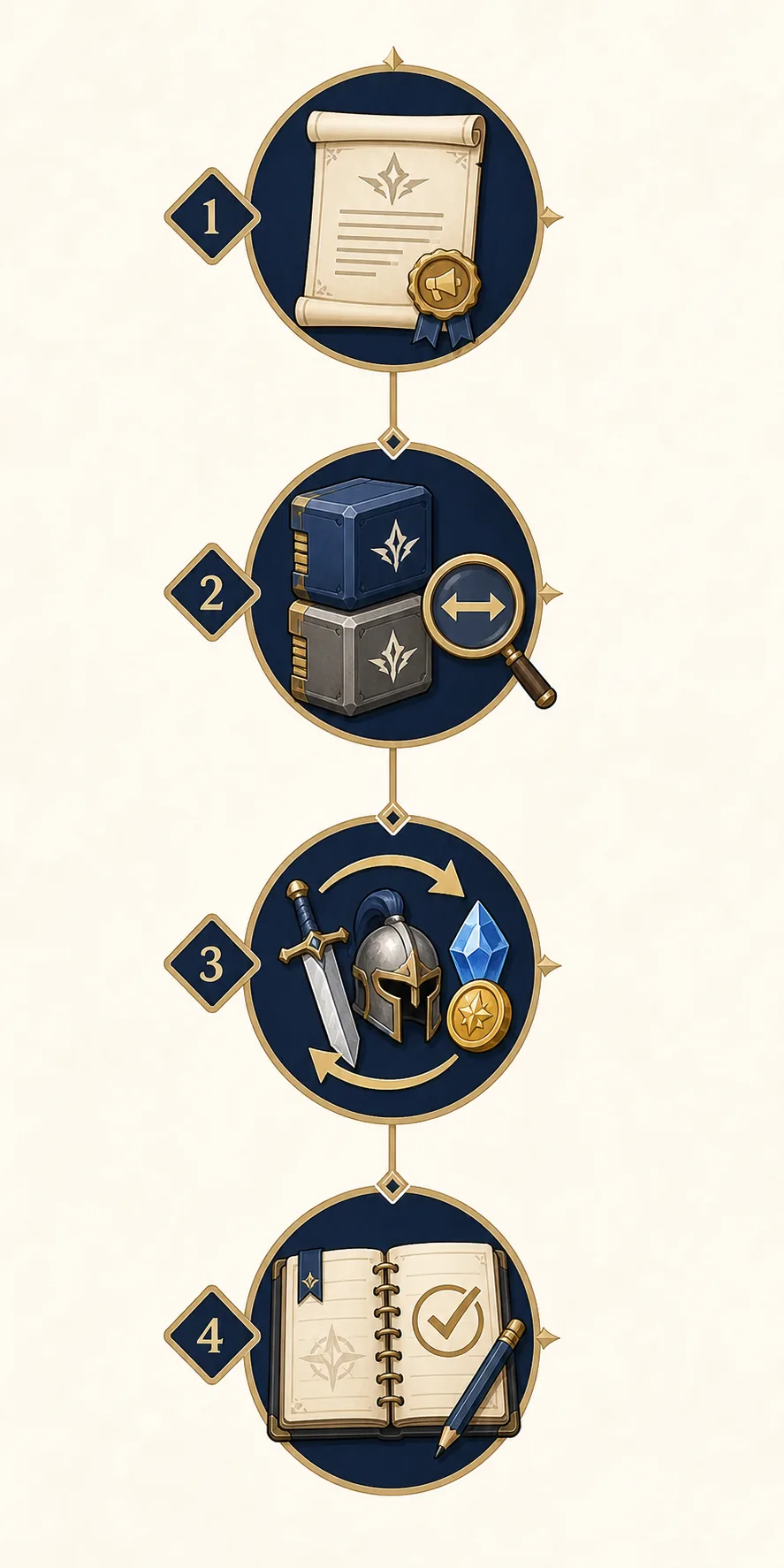
A safe post-update routine for Taskbar Hero
A patch can fix a display problem without changing the underlying build balance. This five-step routine keeps bug fixes, new values, and player error separate enough to investigate.
Confirm the installed build
Let Steam finish the update, restart the game, and note the version or announcement date you are testing. If the game is open while Steam updates, close and reopen it before recording a result.
Reproduce the old symptom once
If you are checking an item, chest, mail, skill, or number problem, repeat the smallest action that previously failed. A small reproduction is more useful than a long session with several upgrades mixed together.
Run a controlled comparison
Keep the class, gear, rune, cube, route, and idle time as close as possible to the old test. Change only the patched system first. This prevents a new item or a different route from being mistaken for the update effect.
Check inventory and trade choices
Review chests, item interactions, mail, Skill Merge results, Trading Ship decisions, and market notes after the run. A display fix can change what you see without changing an item's real use or live trade value.
Write a dated conclusion
Record the version, route, class, major gear change, and result. If the result is uncertain, label it as a single test rather than turning it into a universal build rule. Update guides and screenshots when later official notes contradict it.
What to recheck after an update
Use this table to decide which existing guide to open next. It intentionally sends each question to the page that owns that intent instead of making one update article compete with every build, pet, and market query.
| Area | First check | Next page or action |
|---|---|---|
| Build and skills | Repeat one affected route with the same class, gear, runes, and cubes. | Open the build guide if the change is a real performance difference. |
| Chests and drops | Confirm the chest display and item interaction after a fresh run. | Use the item guide for keep, sell, storage, and market decisions. |
| Pets and farming | Test the stable route before chasing a higher Act or a long idle session. | Use the pet farming guide for route and drop priorities. |
| Market and Trading Ship | Separate in-game use value from live trade value; verify the current listing. | Use the market scanner guide as a checklist, not as a price guarantee. |
| Steam or platform | Read the official announcement and confirm the game is fully updated. | Use the Steam guide for official access, DLC, and requirements. |
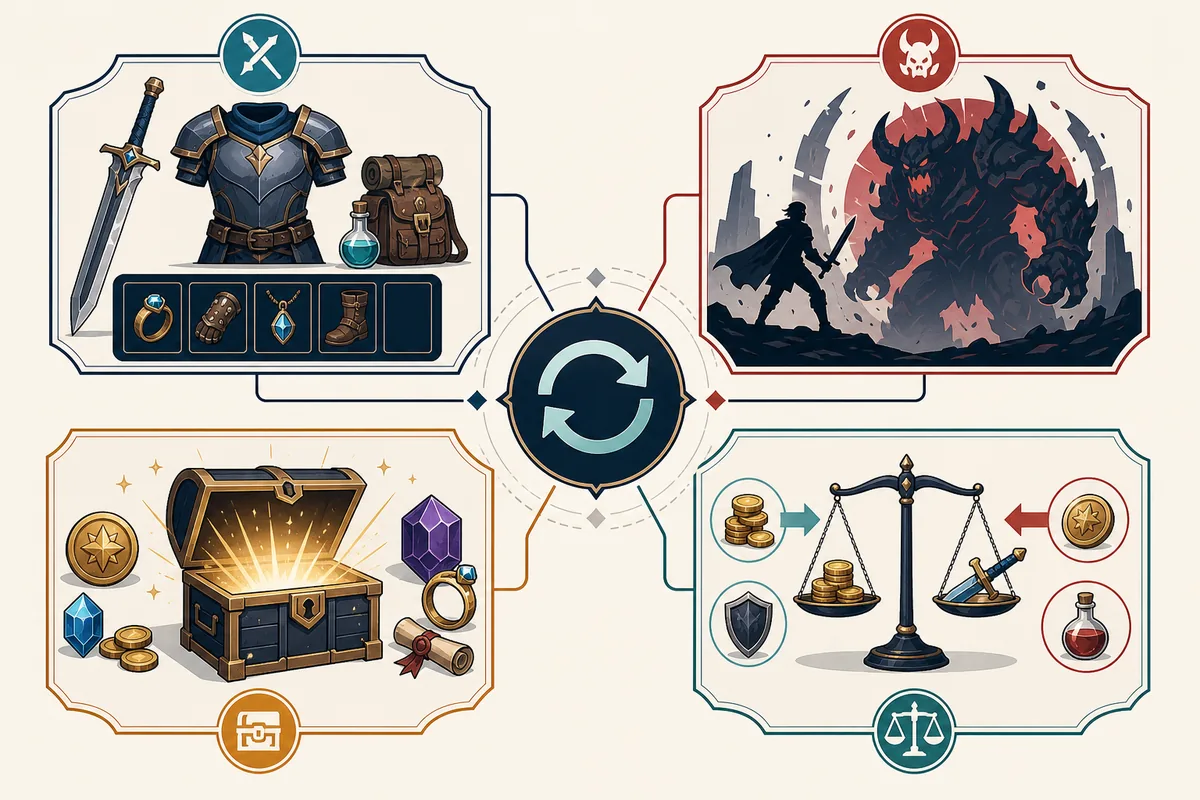
Update mistakes to avoid
Patch notes are evidence, not a shortcut to a new tier list. These mistakes create false conclusions quickly.
- Do not copy a community screenshot without checking its date, game version, and whether it shows a bug or intended behavior.
- Do not call a corrected number a balance buff until the official note or repeated tests support that interpretation.
- Do not sell, merge, or consume a valuable item while an interaction or chest display problem is still being investigated.
- Do not compare a patched boss skill with an unpatched video and then blame the class before matching the test conditions.
- Do not treat a market scanner, Steam listing, or Trading Ship value as fixed; those are live signals that can change after the patch.
- Do not use an old pet route as proof that an unlock requirement, drop, or offline counter is unchanged.
- Do not add every update note to the beginner guide, build guide, and market guide. Link the dated update page, then keep each detailed decision on its matching page.
- Do not remove the date from this page. A dated update note is more trustworthy than an unqualified latest claim.
Sources and date limits
The version checkpoint below was checked on August 16, 2026. The official Steam update record is the primary source; secondary pages help with timeline context only.
- Official Steam update announcements — Public version 1.01.05 checkpoint and the developer's exact change notes.
- Official Steam app page — Current public game listing and platform context.
- SteamDB patch timeline — Secondary timeline reference; verify every change against Steam.
Taskbar Hero update FAQ
What is the current Taskbar Hero update?
The latest public version I could verify on August 16, 2026 is 1.01.05, dated August 11, 2026 in the public Steam update record. Recheck the official announcements page before treating this dated checkpoint as current later.
Does Taskbar Hero version 1.01.05 guarantee a new build or tier-list change?
No. A version number does not prove a balance change. Read the official announcement, reproduce the affected behavior with matched conditions, and only then decide whether a build or tier-list page needs an update.
Should I change my build after the update?
First reproduce the old result with the same class, gear, route, runes, and cubes. If the affected skill or display now behaves differently, record the new result before changing the whole build.
Can I trust an old Taskbar Hero farming video after a patch?
Use it as historical context only. Check its upload date, version, route, and whether the video was demonstrating a bug. Re-run the route in the current build before treating its numbers as a recommendation.
Does an update change market or Trading Ship value?
It can change what players see or how useful an item feels, but a guide cannot guarantee a live price. Separate battle value from trade value and verify the current in-game or Steam market information before selling or buying.
Where should I report a new bug?
Start with the official Steam Community and game discussion channels linked from the official listing. Include the version, route, class, item or skill name, reproduction steps, and a dated screenshot when possible.